Watching a chat window in your IDE isn't productivity, and running background agents on tasks you can't refine means you are out of the loop completely.
LatchLoop is designed to work with you.
Features
A new way of working with coding and knowledge-work agents
More than an IDE or a CLI agent
LatchLoop is how you build the future.
How it Works
How LatchLoop connects into your product-building flow
Step 1
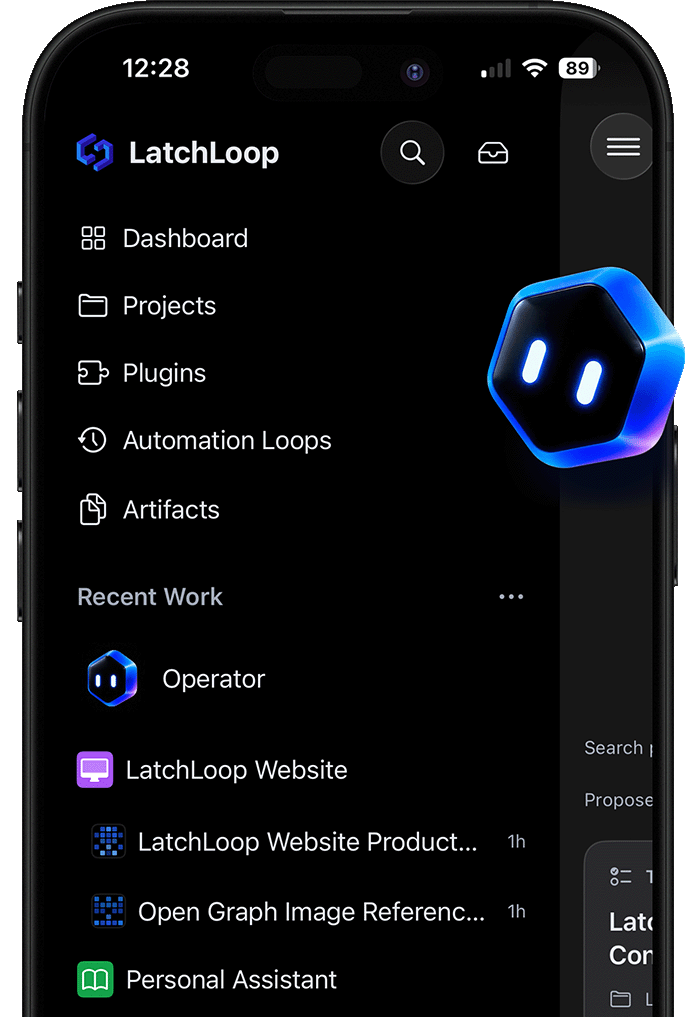
The moment you have an idea, put it in LatchLoop from any web browser or even from your phone.
Step 2
LatchLoop's Instant Context™ means that you don't have to copy and paste to reference files. Explain your task as if you are working with someone who knows everything about your application.
Step 3
Get help clarifying your task so that there are no surprises and you get the results you want faster. LatchLoop understands intent to answer questions and give feedback.
Step 4
You are always one button press away from copying a complete prompt that LatchLoop has prepared with all your relevant code context, your task, and other details so you can simply paste into ChatGPT or any other AI tool.
Step 5
LatchLoop works where you do. Trigger local or cloud agents with the Build button, or start work from connected project-management tools such as ClickUp, with Linear support coming soon. Choose LatchLoop’s harness, Codex, or Claude Code. Cloud coding runs work on assigned task branches, commit changes there, and open pull requests for review by default; approved local work can have broader access.
Step 6
Once a pull request has been opened, send follow-up messages, inspect the diff, open a deployment or local preview, and request changes by clicking an element. Use LatchLoop’s built-in editor and terminal or work in another IDE; pushed branch changes stay visible to the task. Technical and non-technical teammates can collaborate from desktop, web, or mobile.
Step 7
For coding work, merge the reviewed pull request when it is ready. For knowledge work, keep the artifact, agent app, or reusable process with the task. Organize work in a list or kanban board, assign teammates, and run cloud tasks or automation loops in parallel.
Watching a chat window in your IDE isn't productivity, and running background agents on tasks you can't refine means you are out of the loop completely.
LatchLoop is designed to work with you.
Build as fast as you can think.
LatchLoop works where you do to build with you.